
Building a Tech Setup on a Budget
You don’t need expensive gear to build a tech setup that actually works. In this TechNaldo guide, we break down how to create a functional, comfortable, and reliable tech setup on a budget — focusing on what truly matters, what you can skip, and how to upgrade over time without overspending. A practical, no-flex approach to building a setup that supports real work.
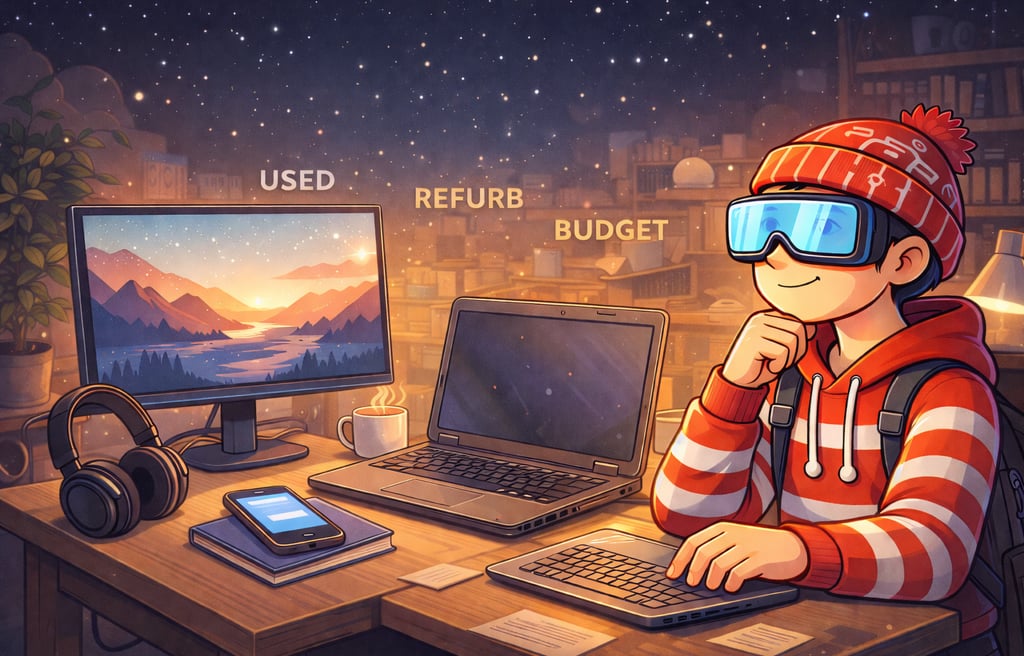

There’s a version of tech culture that makes it feel like your setup doesn’t count unless it’s expensive.
Perfect desks.
Matching accessories.
Gear lists that read like checkout receipts.
It looks great on social media. It also quietly convinces people they need to spend money before they’re allowed to do meaningful work.
That’s backwards.
A good tech setup isn’t about looking impressive. It’s about removing friction. It should help you think, create, and focus — not distract you or drain your budget.
You don’t need the “perfect” setup to start.
You need a functional one.
Everything else can come later.
The Myth of the Perfect Setup
The internet loves polished setups.
Clean cable management. Minimalist desks. Lighting that looks like it belongs in a product ad.
There’s nothing wrong with enjoying aesthetics. The problem starts when aesthetics replace purpose.
A setup that looks great but hurts your neck isn’t a good setup.
A setup that costs a lot but slows your workflow isn’t either.
Most people don’t need a showcase. They need reliability.
Budget setups get a bad reputation because they’re compared visually, not functionally. But function is what matters long term.
What a Tech Setup Is Actually For
Before buying anything, it helps to answer one question honestly:
What do you need this setup to support?
Not what looks cool.
Not what influencers use.
What you actually do.
Writing.
Studying.
Meetings.
Editing.
Browsing.
Different work demands different priorities.
A setup isn’t a collection of objects. It’s a system that supports behavior.
If your setup helps you sit comfortably, focus longer, and reduce small annoyances, it’s doing its job.
Start With the Essentials (And Nothing More)
When you’re on a budget, clarity beats completeness.
You don’t need everything. You need a few things that work.
1. A Computer That Matches the Work
This doesn’t mean “latest model.”
It means:
enough performance for your tasks
stable operation
no constant lag
Older laptops and desktops are often more than enough for writing, research, remote work, and light creative tasks.
If your machine can:
open the apps you need
handle multitasking without freezing
stay reliable
It’s fine.
Ignore benchmark envy.
2. Reliable Internet
This is boring. It’s also critical.
A budget setup with stable internet beats an expensive setup with unreliable connectivity.
If you’re choosing where to spend limited money, prioritize consistency over speed.
Dropped connections break focus faster than slow ones.
3. A Surface and a Seat
You need:
something to work on
somewhere to sit
That’s it.
It doesn’t have to be a standing desk.
It doesn’t have to be ergonomic perfection.
It just needs to let you work without pain.
Comfort compounds over time.
Budget Priorities That Actually Matter
When money is limited, not all upgrades are equal.
Some changes noticeably improve daily experience. Others barely register.
A Monitor (Even a Cheap One)
If you work on a laptop, adding a monitor is one of the highest-impact upgrades you can make.
More screen space:
reduces tab switching
improves posture
lowers eye strain
You don’t need a premium display. A basic, used monitor can make a huge difference.
This is a quality-of-life upgrade, not a luxury.
Keyboard and Mouse Over Specs
Typing and pointing are constant actions.
If your keyboard hurts to use or your mouse feels awkward, that friction adds up.
You don’t need mechanical perfection. You need comfort and reliability.
A simple external keyboard and mouse often beat built-in ones for long sessions.
Lighting You Can Control
Bad lighting causes fatigue faster than people realize.
You don’t need studio lights. You need:
light that isn’t directly in your eyes
light that reduces screen glare
A basic desk lamp placed well can do more than expensive RGB setups.
Chair Comfort (Within Reason)
You don’t need a premium chair.
You do need one that doesn’t punish you.
Look for:
support
adjustability
comfort over style
Used office chairs are often underrated and affordable.
Your back doesn’t care about brand names.
What You Can Safely Cheap Out On
This is where a lot of anxiety comes from.
You don’t need to optimize everything.
Accessories
Cable organizers. Desk trays. Decorative stands.
Nice to have. Not essential.
Buy them later if they actually solve a problem you notice.
Trendy Gear
If something is popular because it’s popular, wait.
Trends move faster than your actual needs.
Aesthetics
Plants are great. Matching colors are nice.
But visuals should follow function, not replace it.
A setup that looks boring but works well is better than one that looks great but frustrates you.
Used, Refurbished, and Older Tech Is Underrated
New tech isn’t always better. It’s just newer.
Last-generation laptops. Refurbished monitors. Secondhand keyboards.
These often offer:
massive value
proven reliability
lower cost
Depreciation is your friend.
Let someone else pay full price for the latest thing.
Software and Workflow Matter More Than Hardware
This is where many people get it backwards.
You can have the best hardware in the world and still struggle if your workflow is chaotic.
Free or low-cost software, used intentionally, often outperforms expensive setups used poorly.
This is why tool familiarity matters more than tool count.
A simple workflow you understand beats a complex one you fight.
A Few Example Budget Setup Mindsets
Not shopping lists. Just priorities.
Remote Worker
reliable computer
external monitor
comfortable chair
headset
Meetings and focus matter more than visuals.
Student
portable laptop
cloud storage
good lighting
quiet environment
Flexibility beats power.
Writer or Researcher
keyboard comfort
screen space
distraction control
Tools should disappear once you start thinking.
Creator on a Budget
decent mic before fancy camera
lighting before lenses
consistency before upgrades
Audience notices clarity before polish.
When Upgrades Actually Make Sense
Upgrades are justified when friction becomes obvious.
Upgrade when:
your computer slows real work
your setup causes physical discomfort
your tools block paid or important tasks
Don’t upgrade because something feels outdated.
Upgrade because something is in the way.
The Hidden Cost of Overbuilding
Overbuilding a setup creates pressure.
Pressure to use it “correctly.”
Pressure to justify the expense.
Pressure to match the image you bought into.
Simple setups remove that mental load.
They give you permission to focus on the work itself.
Why Budget Setups Scale Better Over Time
Starting small teaches you what matters.
You learn:
where friction shows up
what upgrades actually help
what you don’t care about
That knowledge is more valuable than any purchase.
When you eventually upgrade, you’ll do it with intention.
Build for Today, Not for the Internet
The internet rewards appearance.
Your life rewards function.
A good setup should feel boring in the best way. It should fade into the background and let your attention stay where it belongs.
On your work.
On your ideas.
On what you’re building.
That’s what makes a setup future-proof.
One Last Thought
You don’t need permission to start.
You don’t need the “right” desk.
You don’t need the “best” gear.
You don’t need to spend money to be serious.
Build what you need. Improve it slowly. Let your work lead the upgrades.
That’s how good setups — and good habits — are actually buil
Subscribe to my newsletter